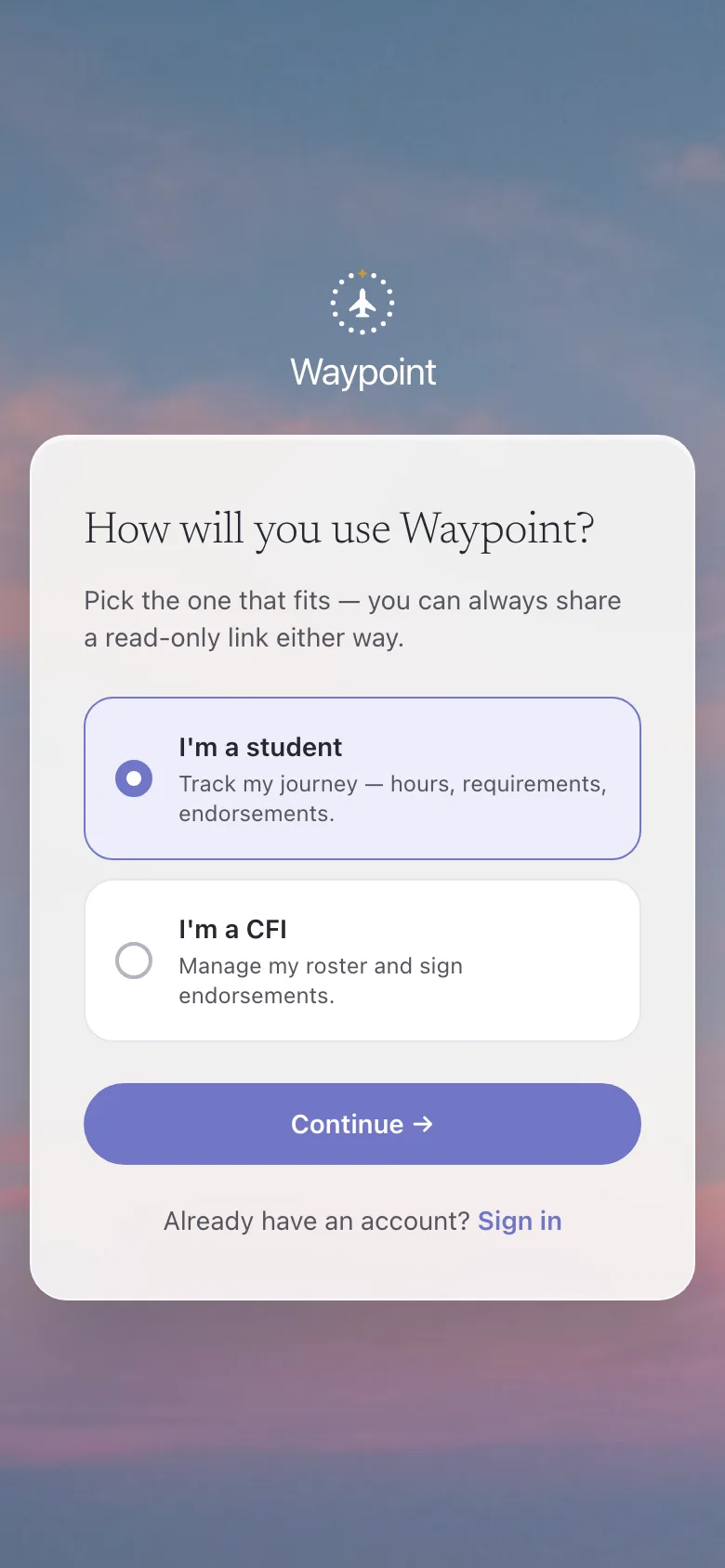
Start as a student
One question on the way in. The student path gives you a training dashboard and a record that is yours, not an instructor roster.
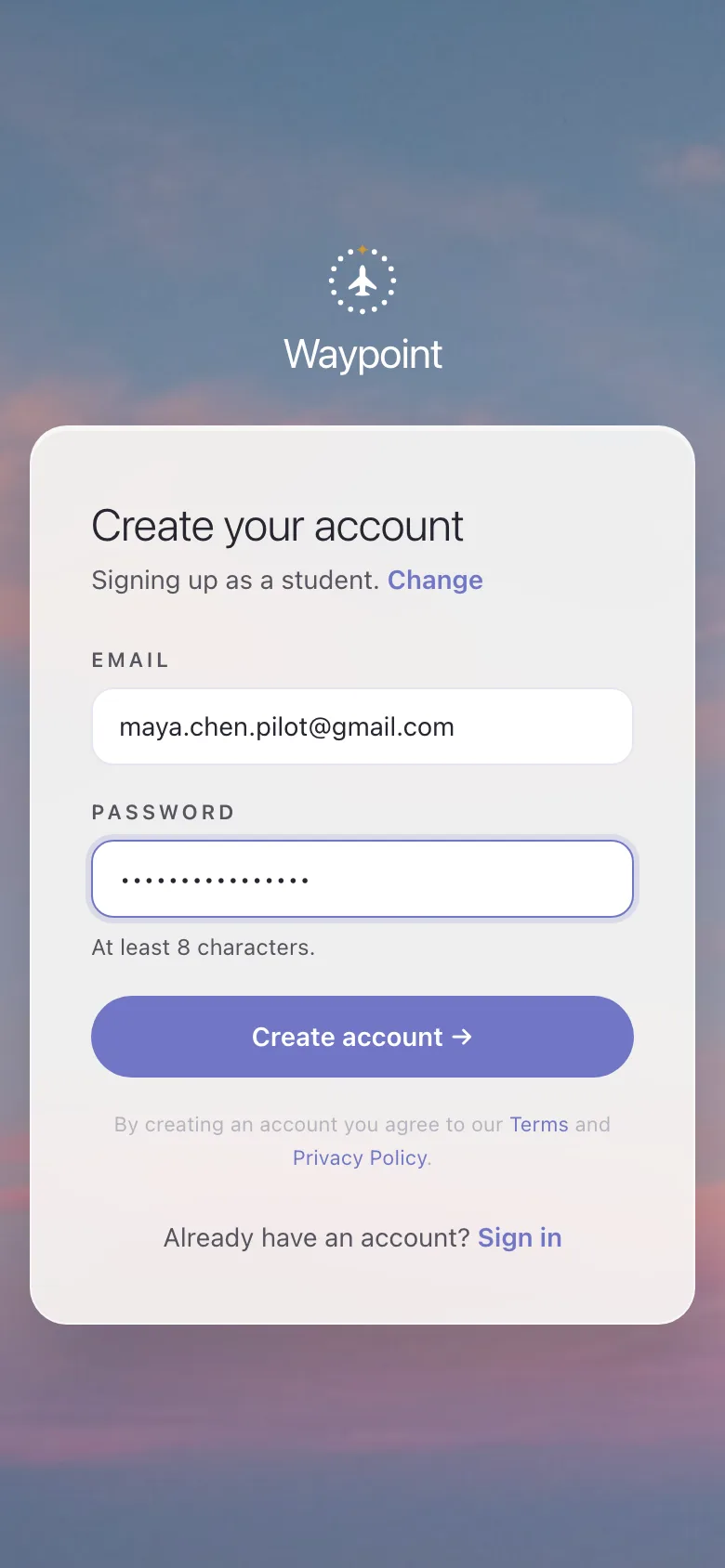
Create your account
An email and a password. Free to use today, no card.
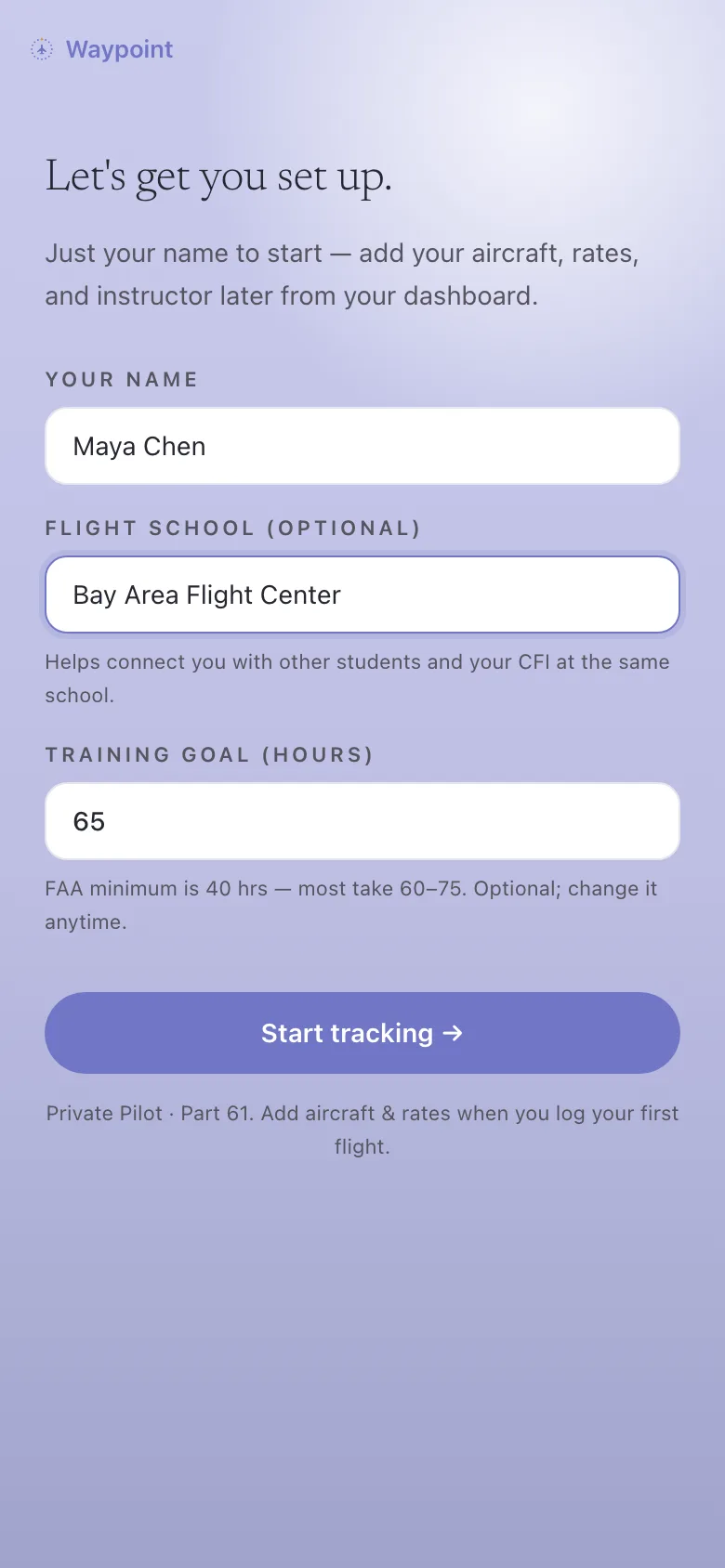
Set up your training
Your name, your school, and a personal hour goal. Your dashboard is ready in under a minute.
Add your instructor
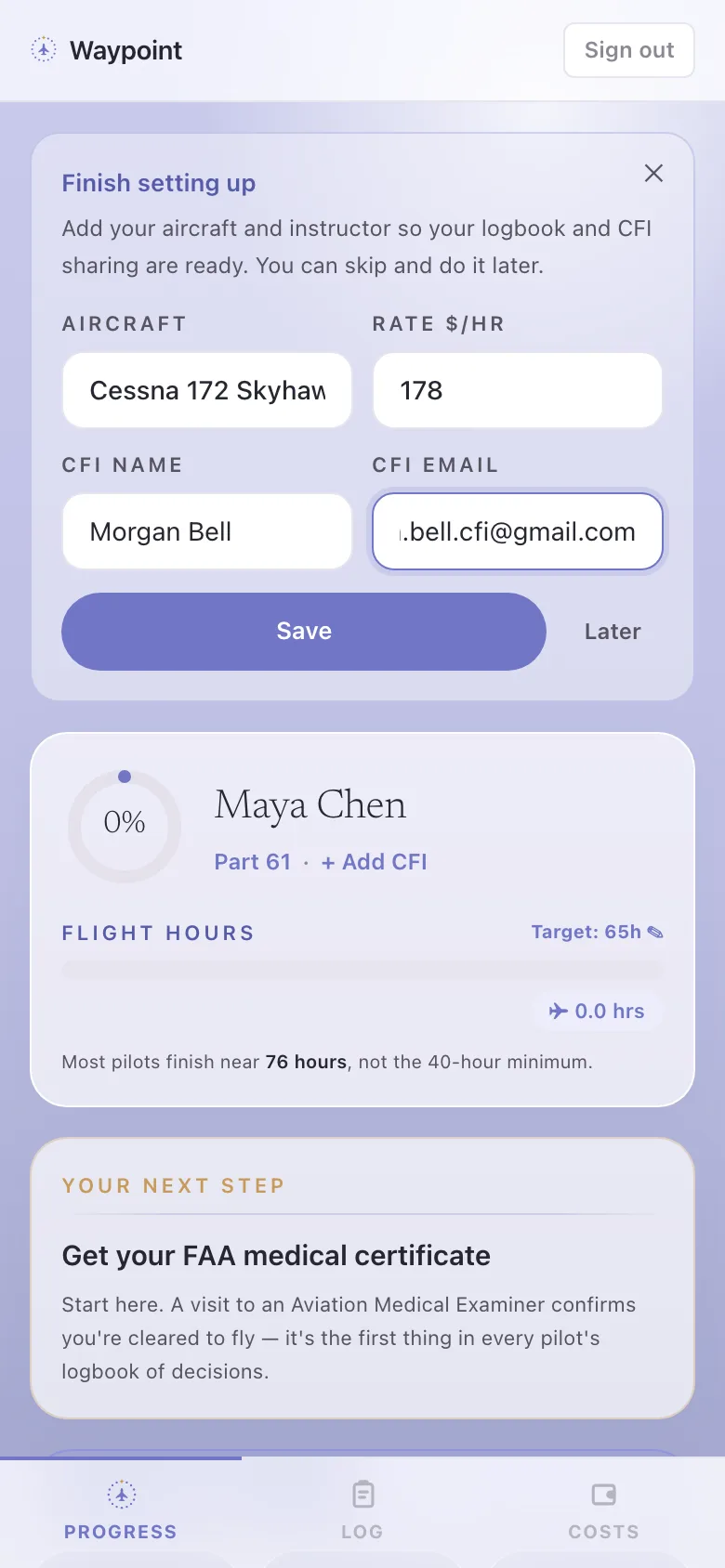
Enter your CFI’s email. If they use Waypoint, you appear on their roster so they can sign your endorsements.
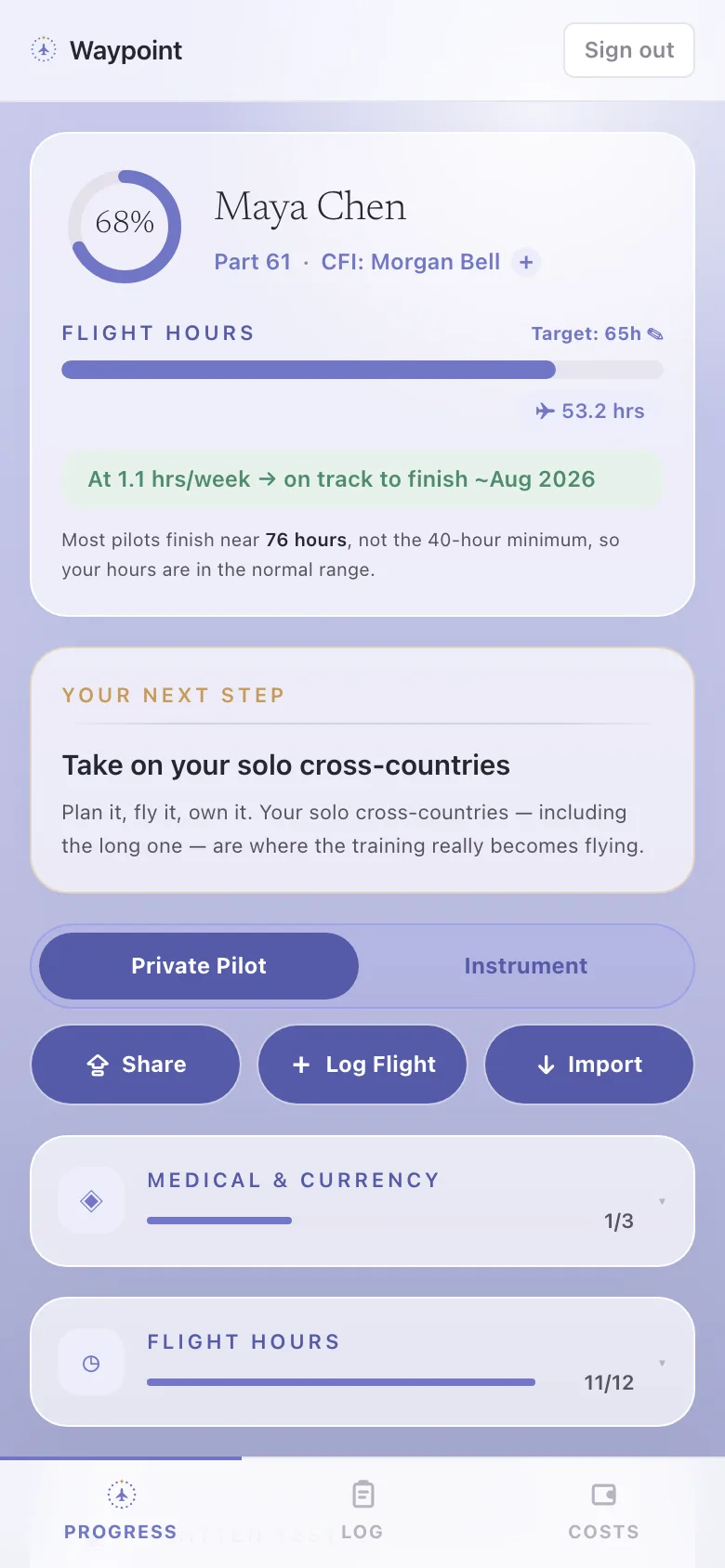
Know where you stand
Your pace, your projected finish, and the one next step to take, with how your hours compare to the real-world norm.
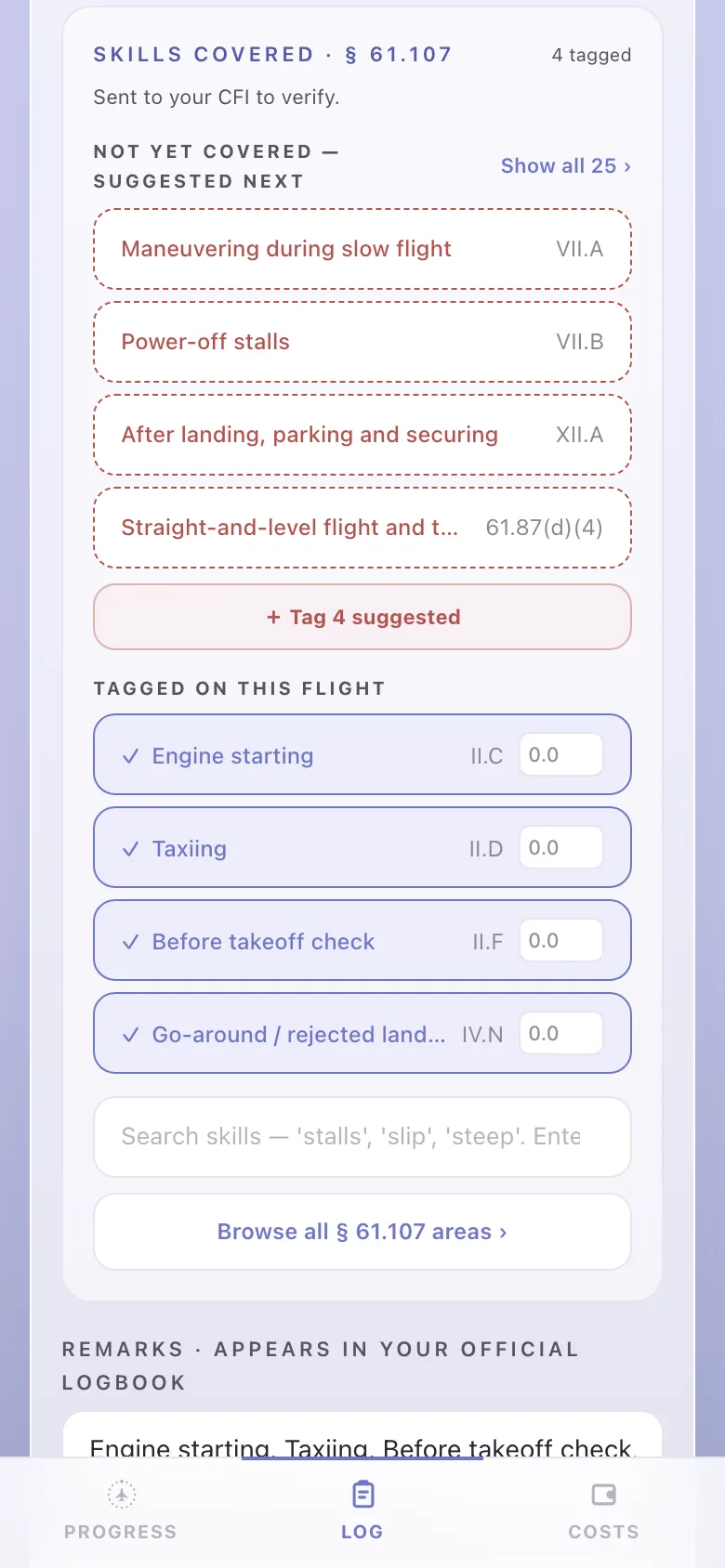
Log your flights and tag your skills
Add flights by hand, or import your whole logbook from ForeFlight or MyFlightbook once and it credits itself. Tag the §61.107 skills you flew.
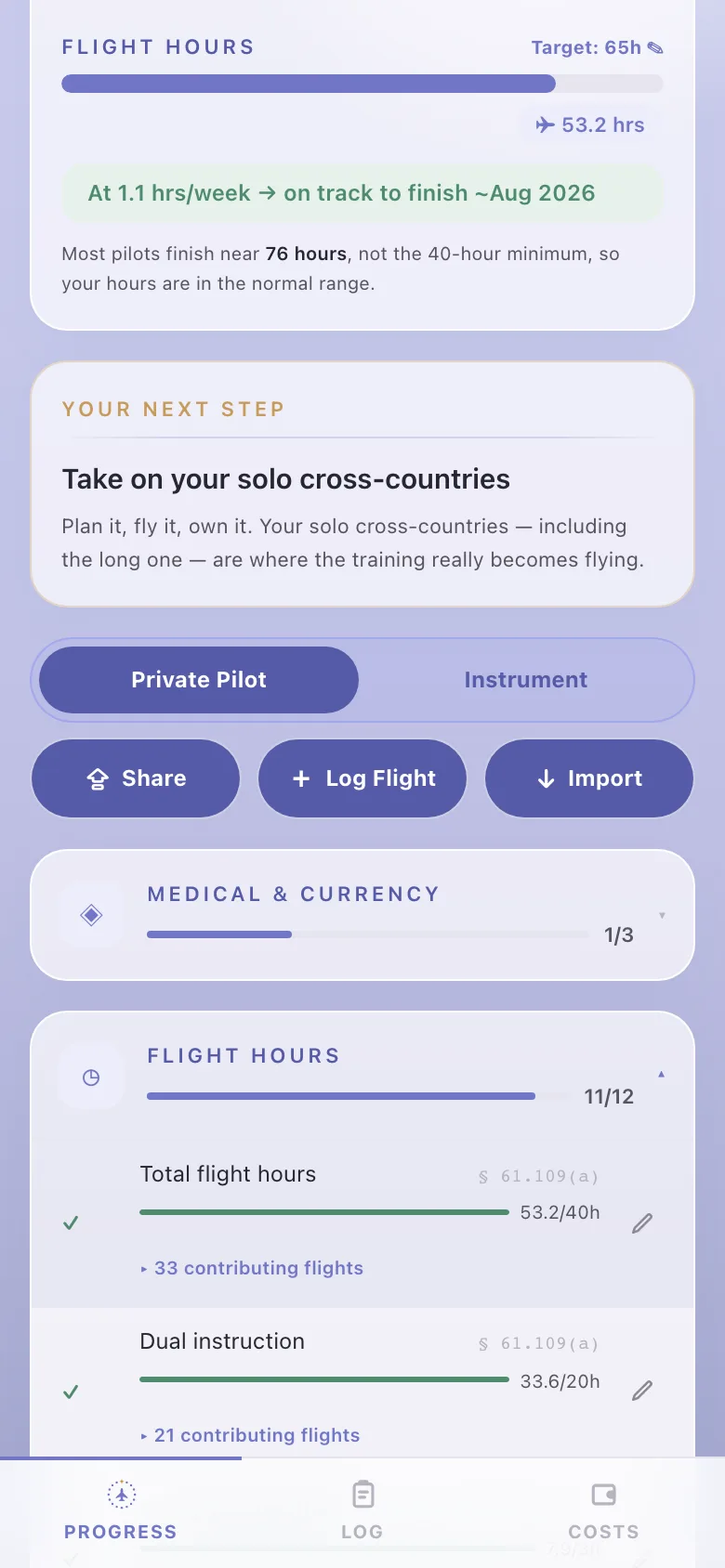
See exactly what’s left
Every 14 CFR §61.109 requirement, computed from your real flights and checked against the reg. No more guessing.
Track what it’s costing
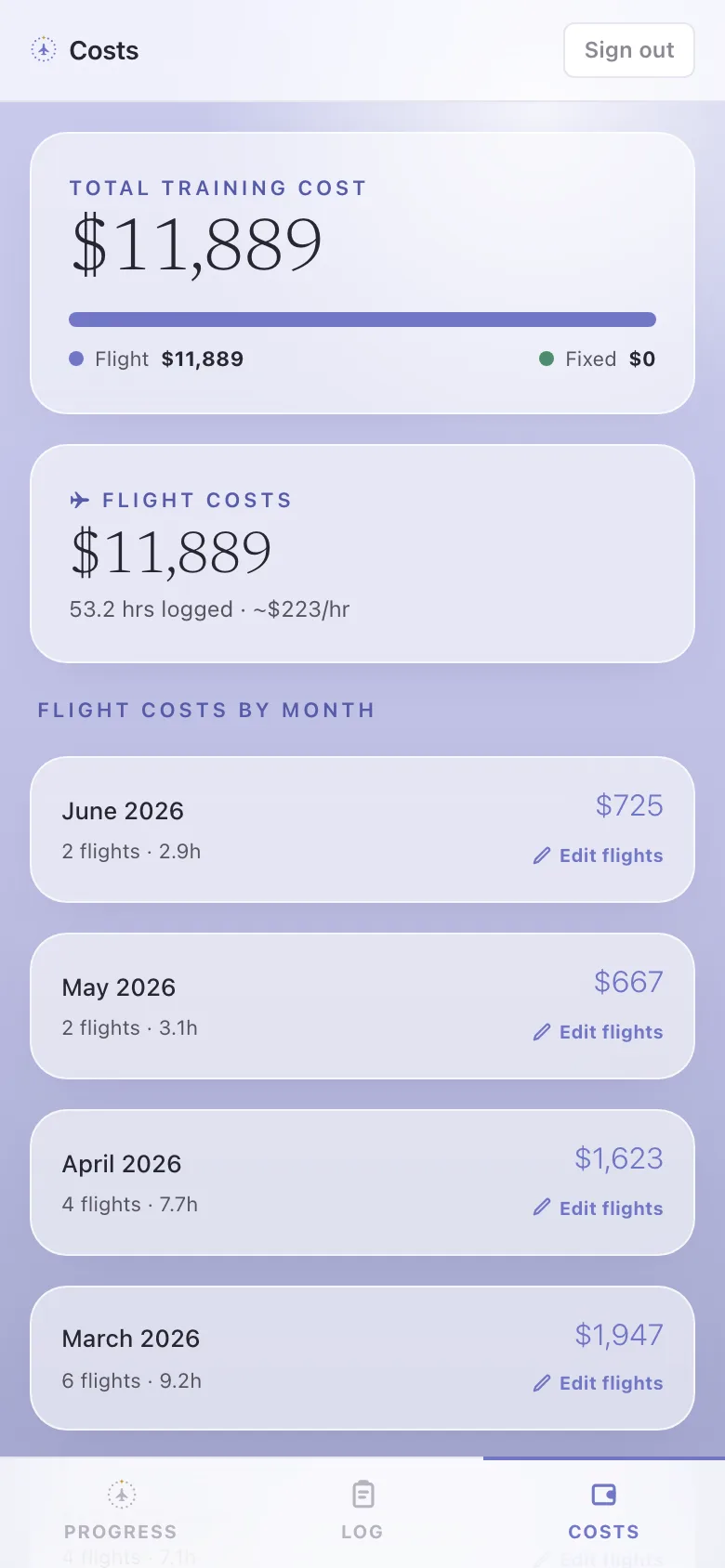
What you’ve spent, by month, against your goal. Private to you, never shown to your instructor or your examiner.
Keep the paperwork clean
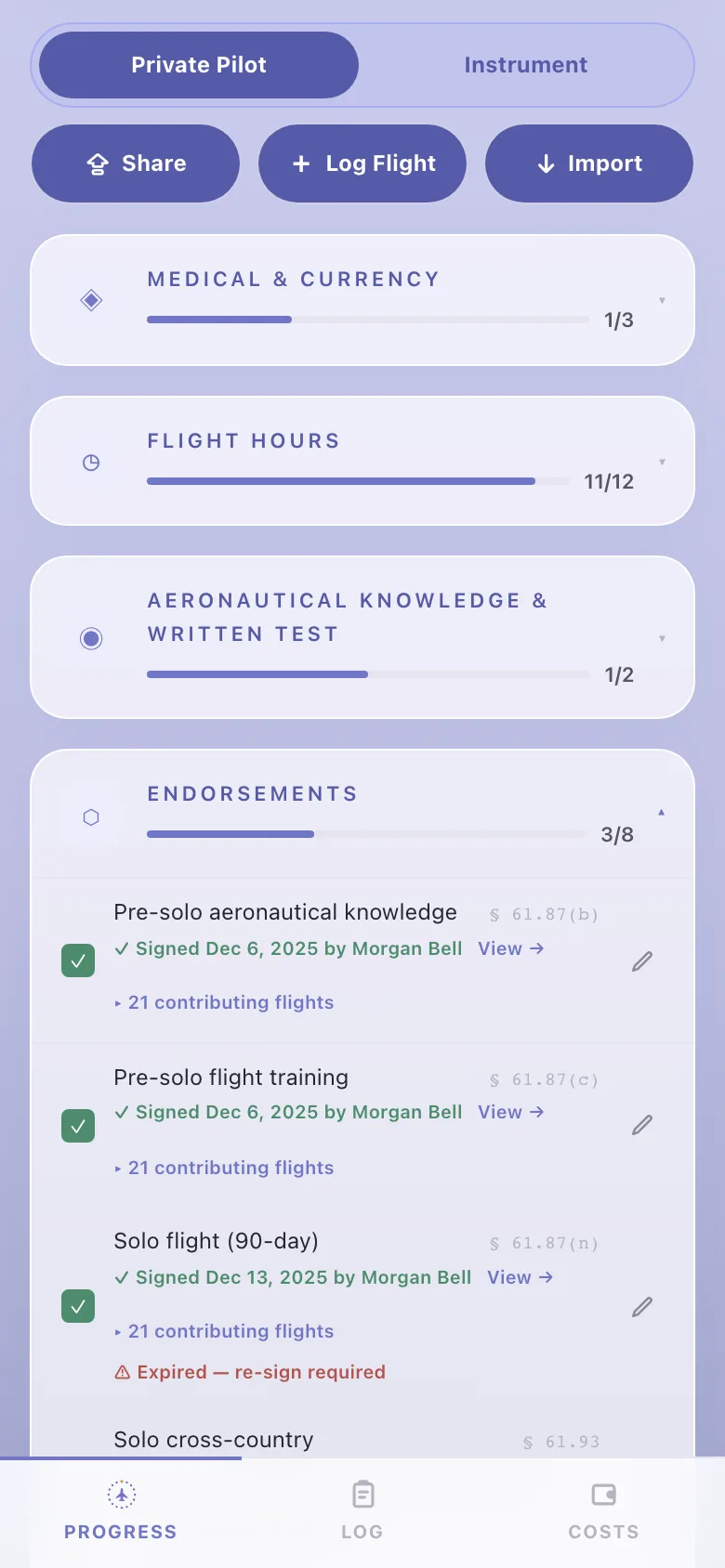
Your endorsements in one place. See what your CFI has signed, and what’s next, so nothing on paper stops you.
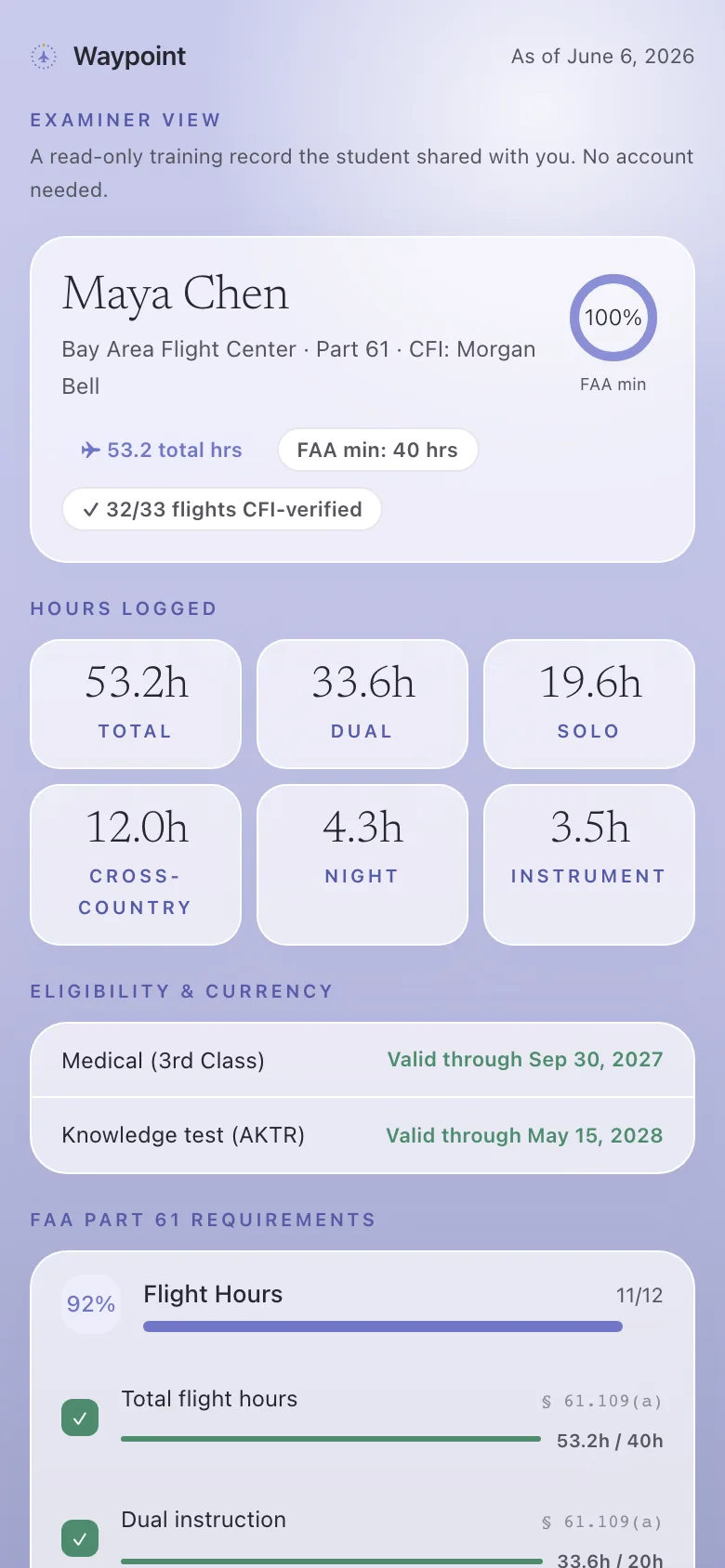
Show up ready
On checkride day, send your examiner one read-only link. Complete, verified, no account, and your costs stay private.