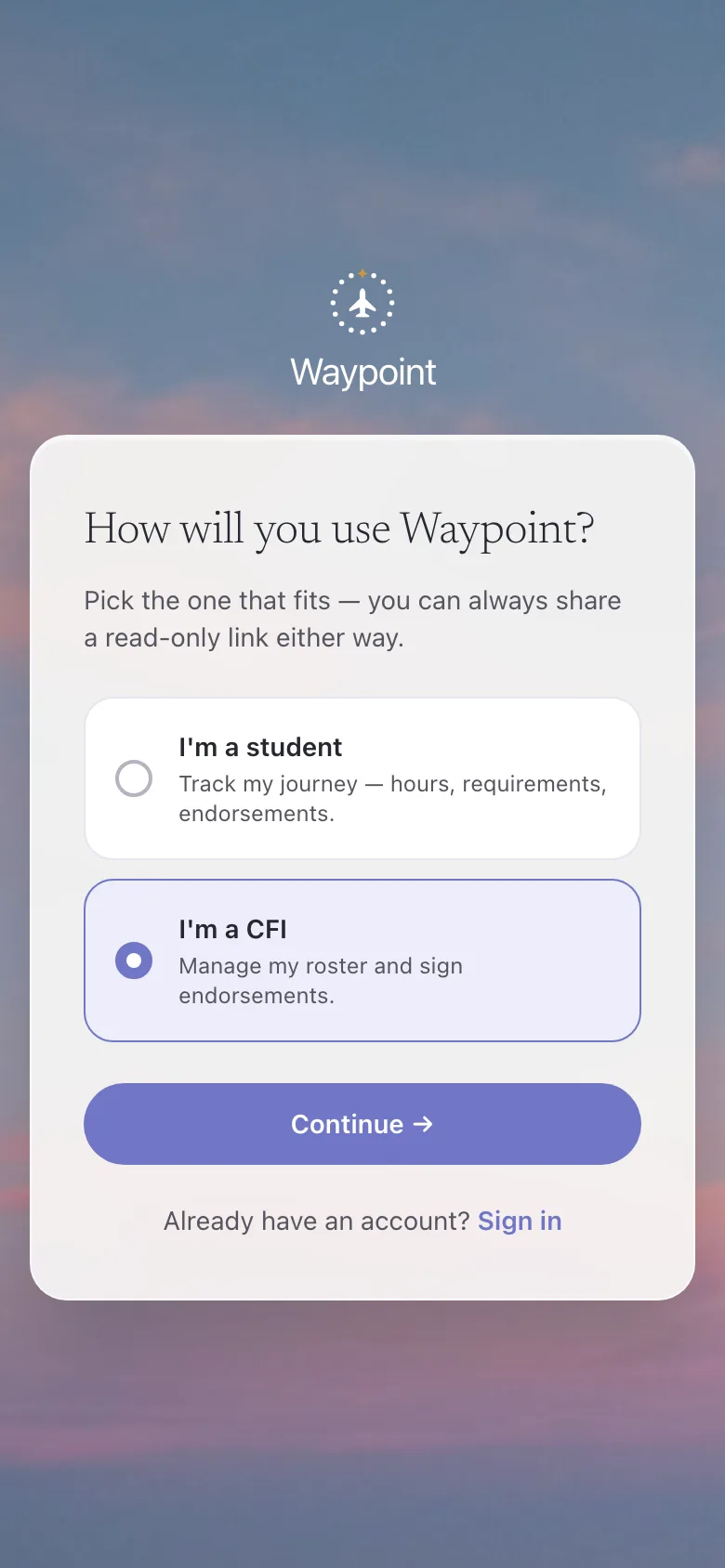
Tell Waypoint you’re a CFI
One question on the way in. The CFI path sets up an instructor account with a roster and signing, not a student tracker.
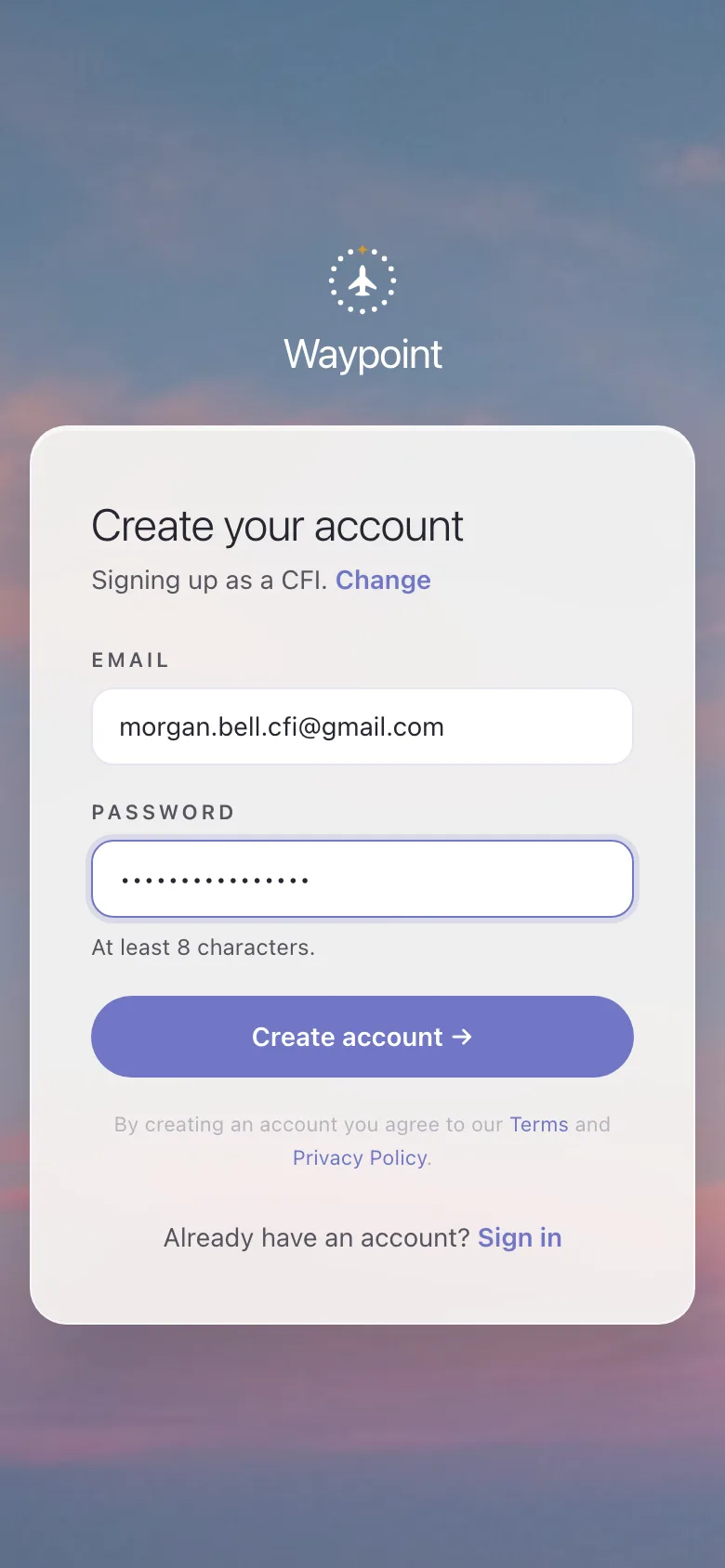
Create your account
An email and a password. Free to use today, no card, about a minute.
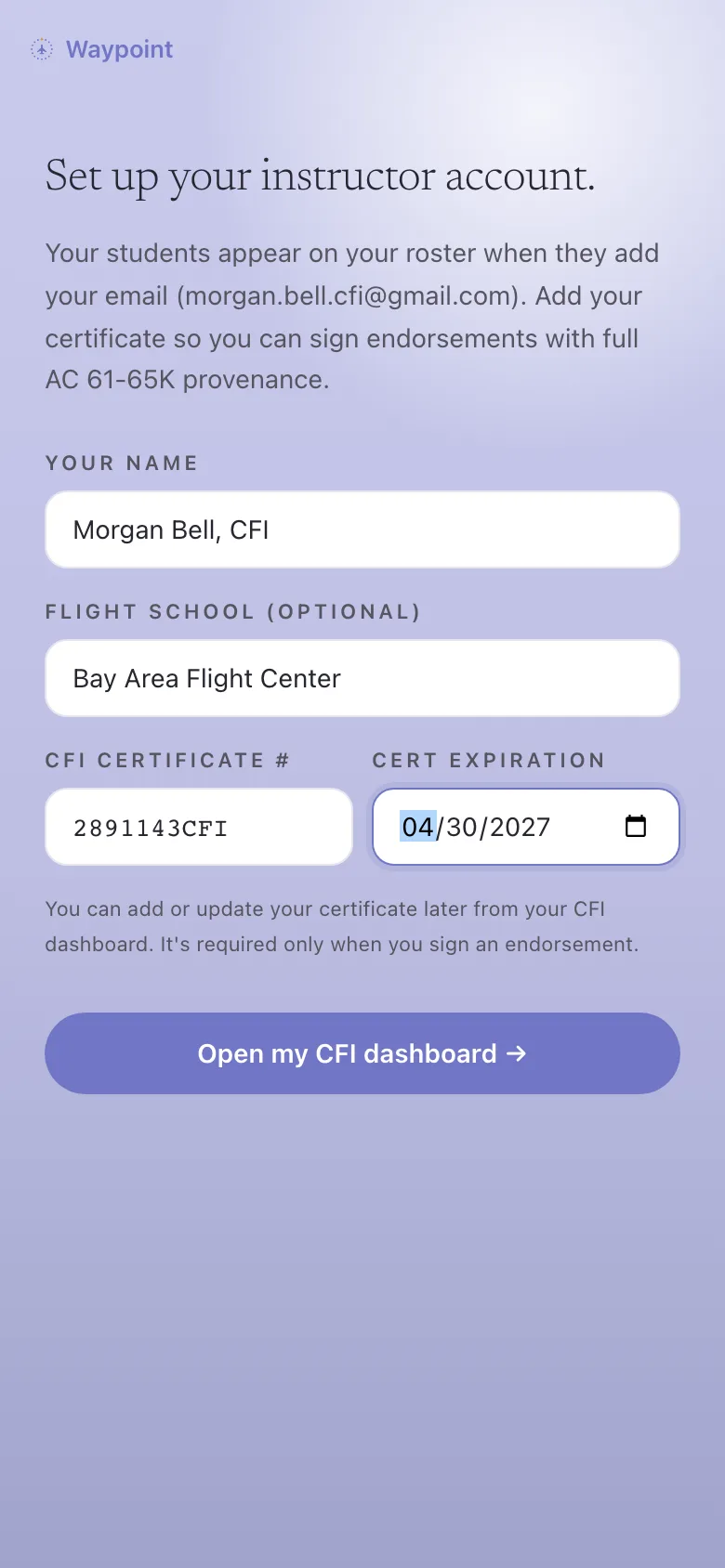
Add your certificate
Your name, school, and CFI certificate number. That’s what stamps every endorsement with full AC 61-65K provenance.
Students link to you
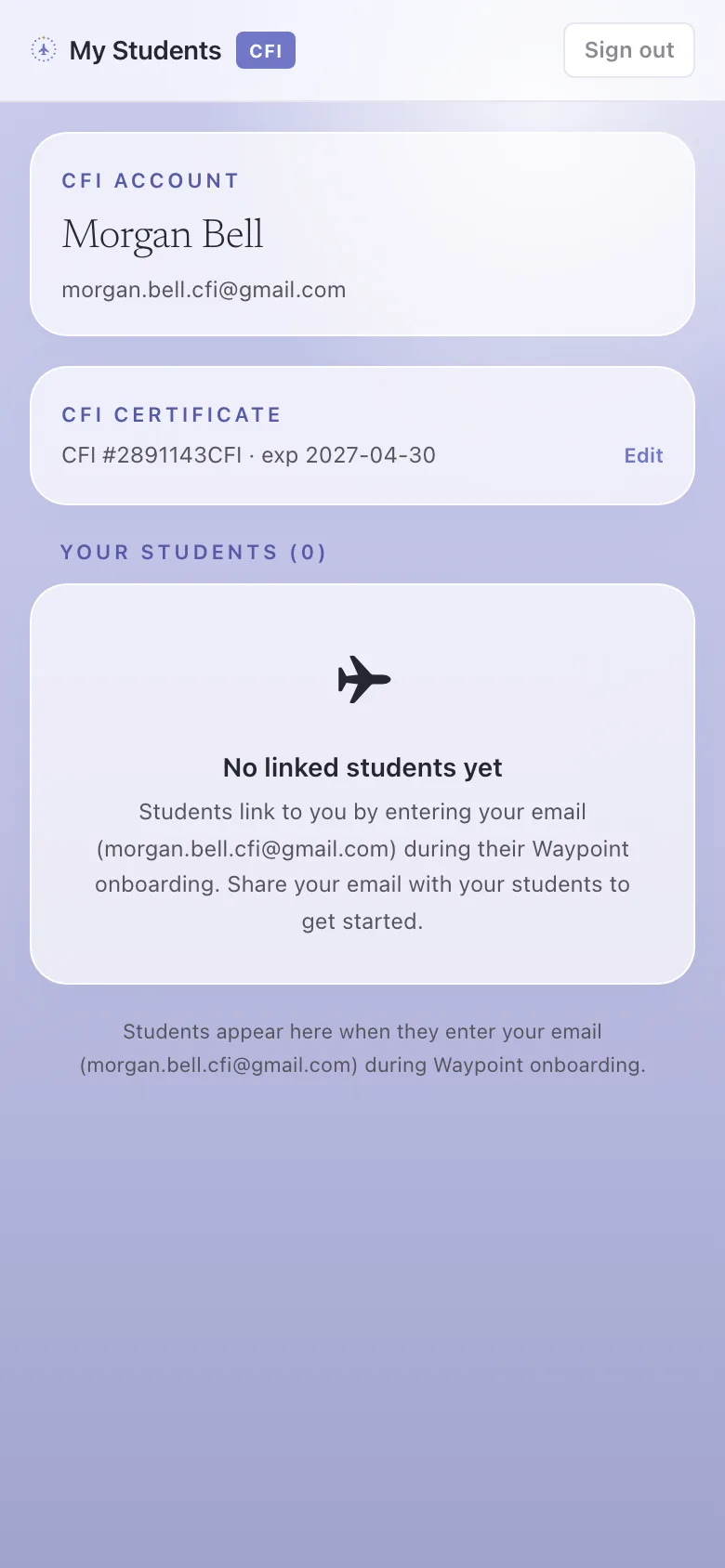
Share your Waypoint email. Each student enters it during their own onboarding, and they appear on your roster automatically.
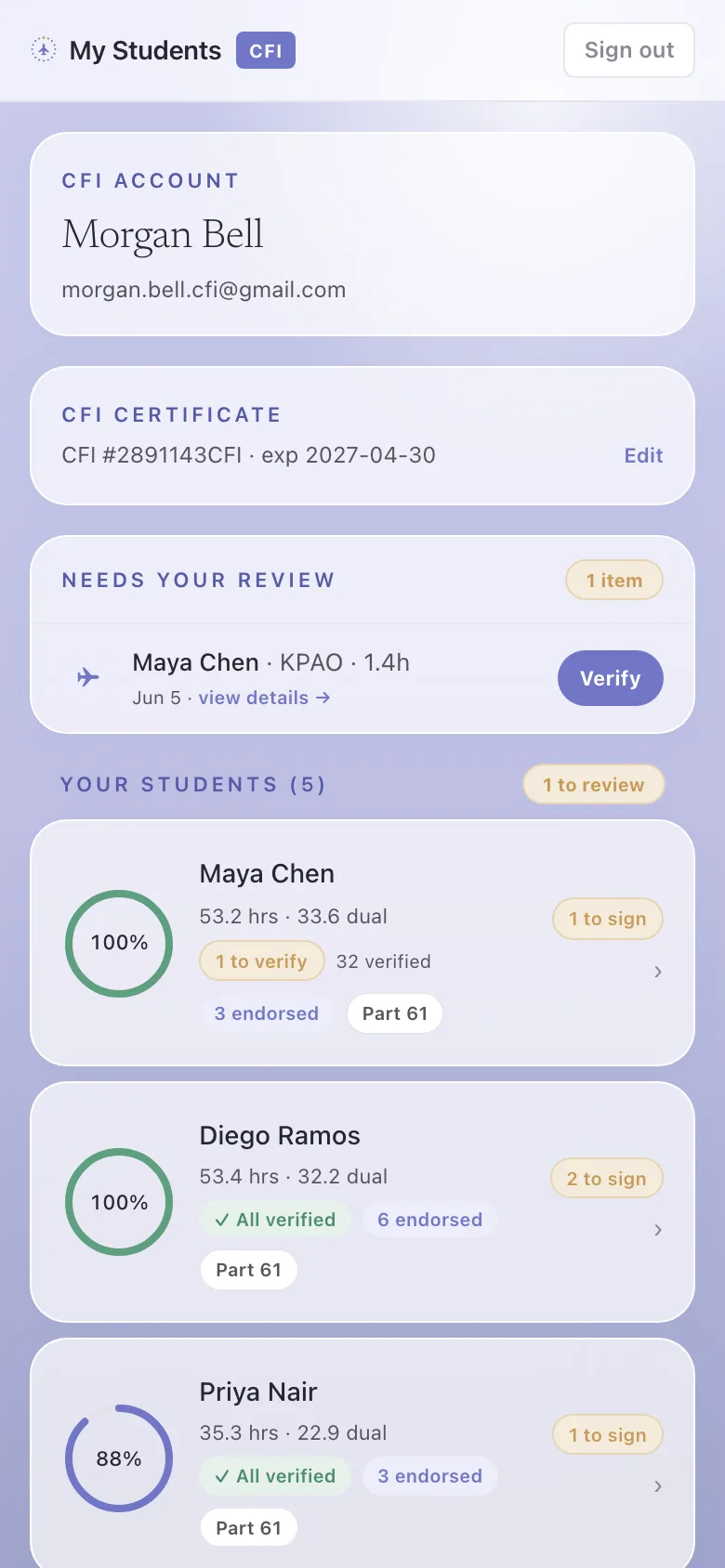
Your whole roster
Every student on one screen, each with a readiness chip and what’s waiting on you, checkride-clean, on track, or pre-solo.
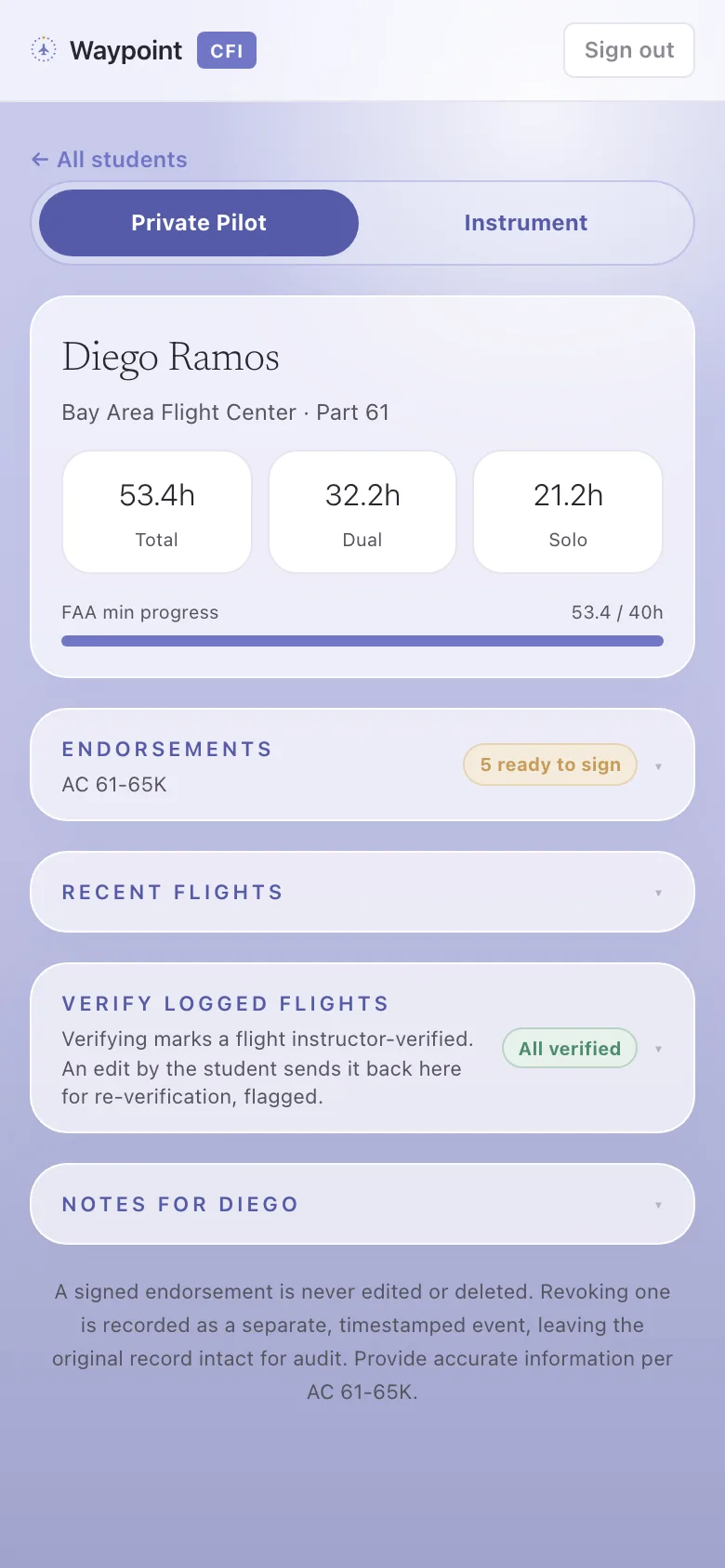
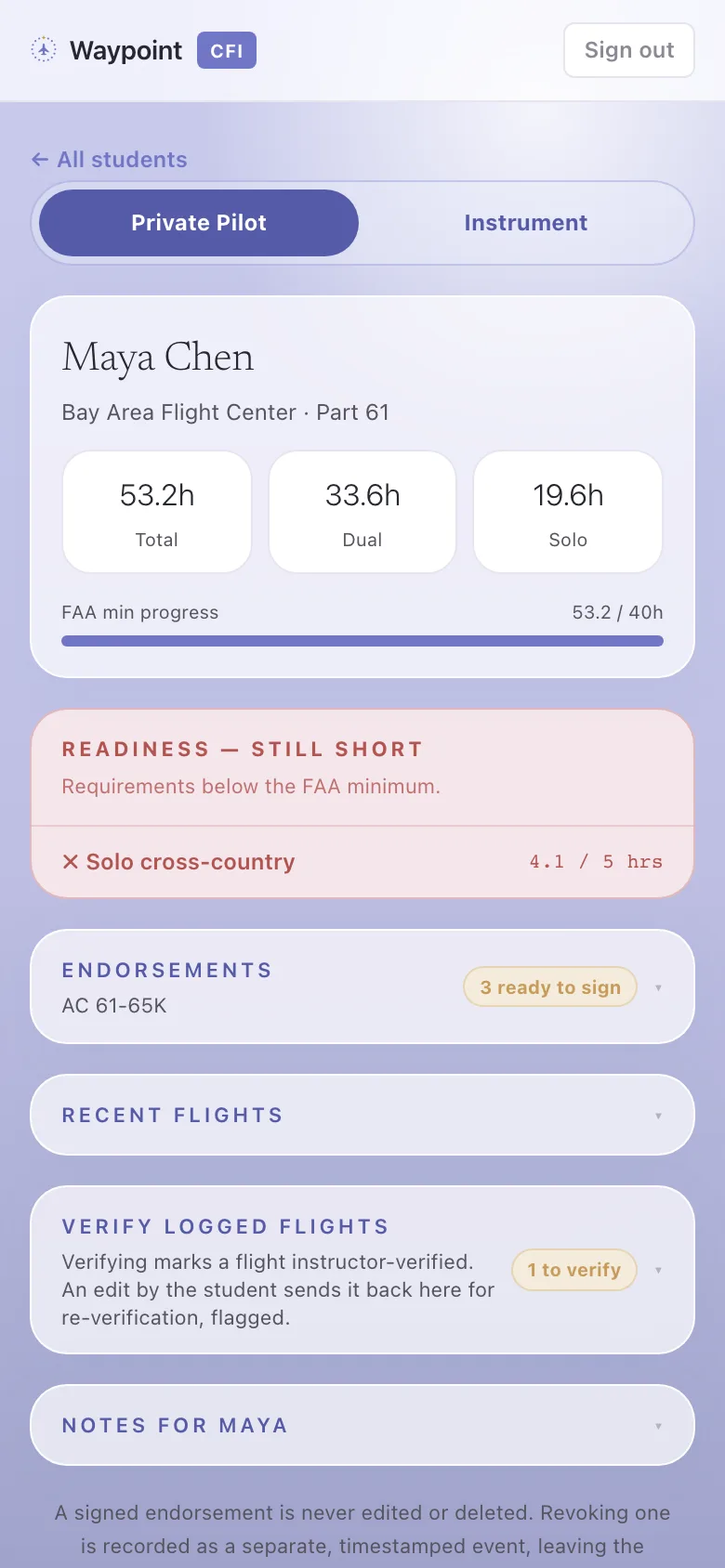
See what each one needs
Open any student. Every 14 CFR §61.109 requirement is checked against the reg, so nothing slips before the checkride.
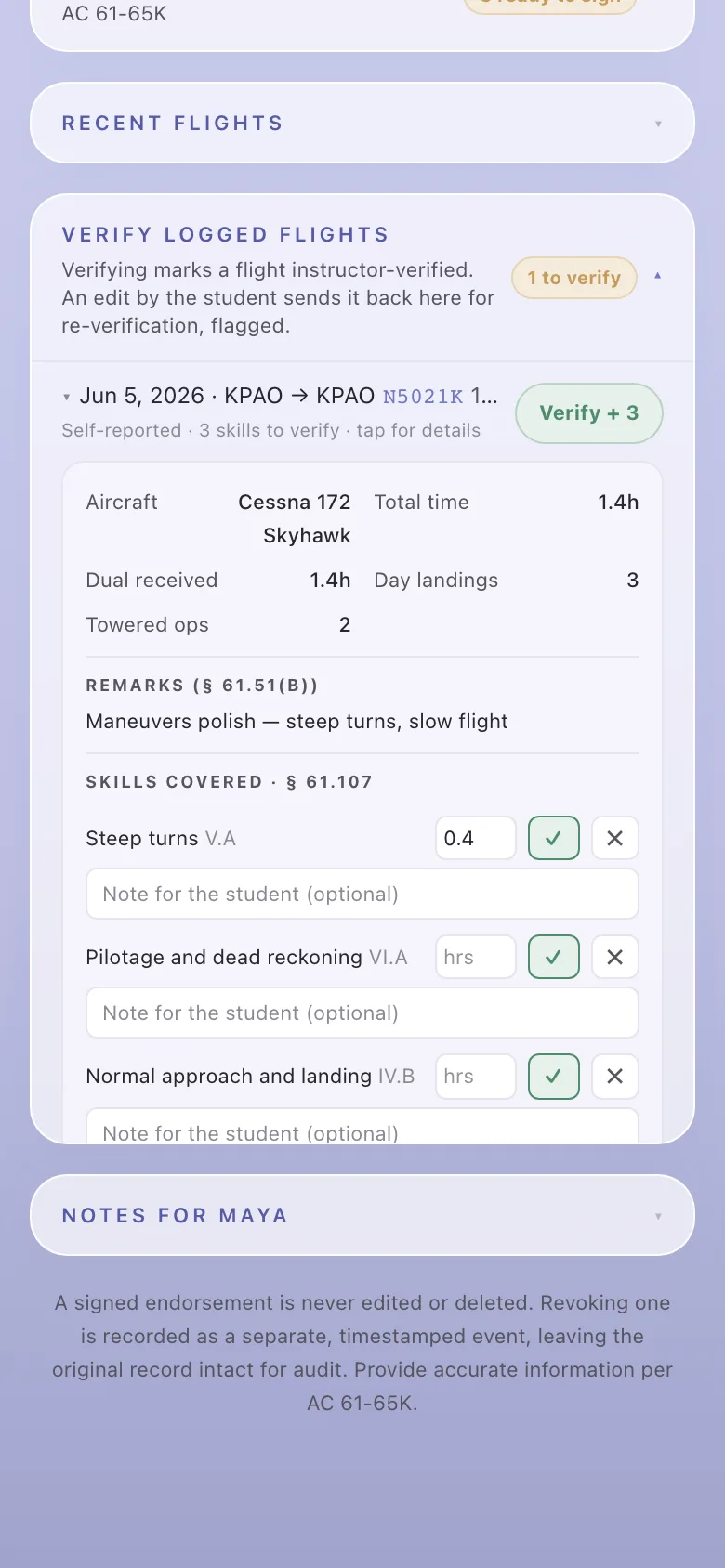
Verify their flights and skills
When a student logs or imports a flight, it lands in your review queue. One tap verifies the flight and its §61.107 skills together.
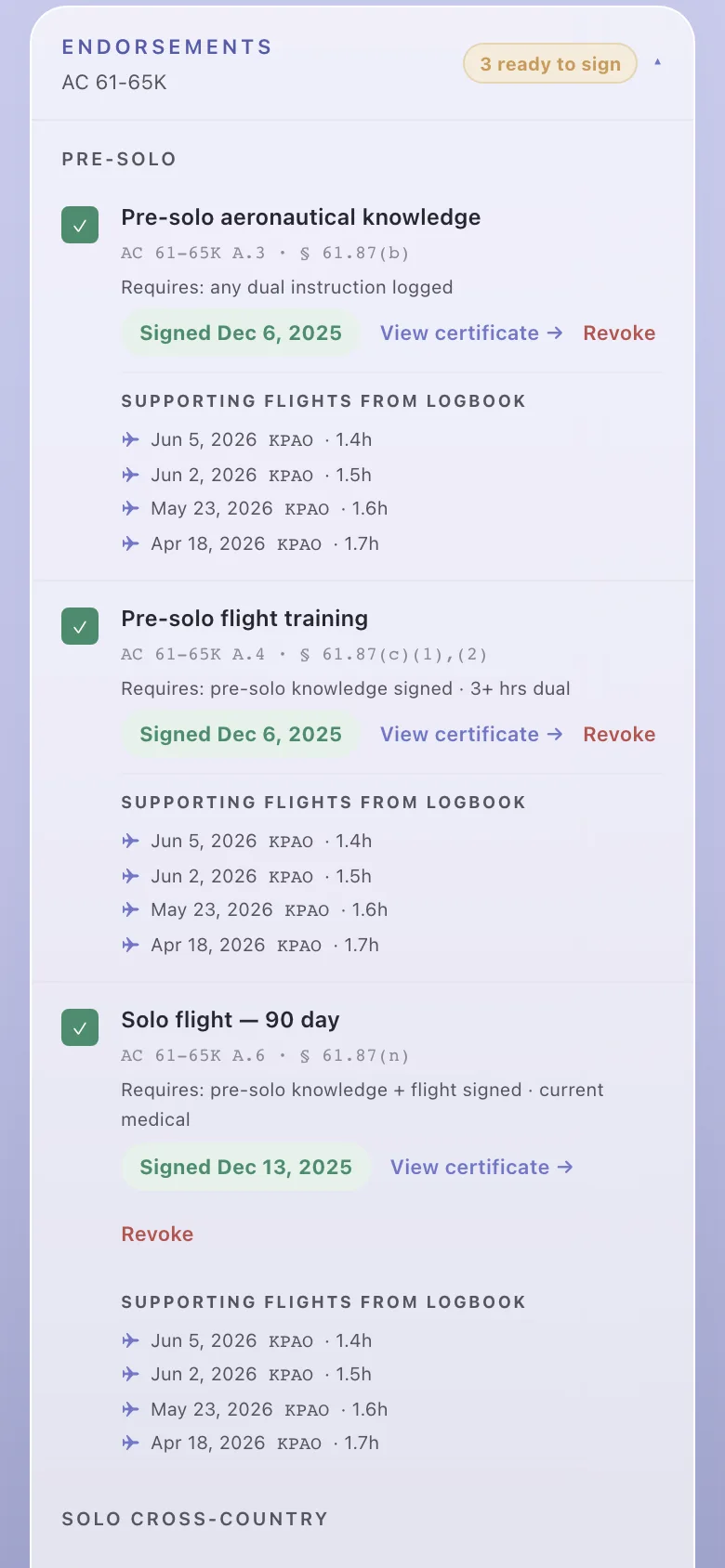
Follow the endorsement chain
Endorsements unlock in order. Waypoint shows what’s ready to sign and what’s still gated, with the supporting flights.
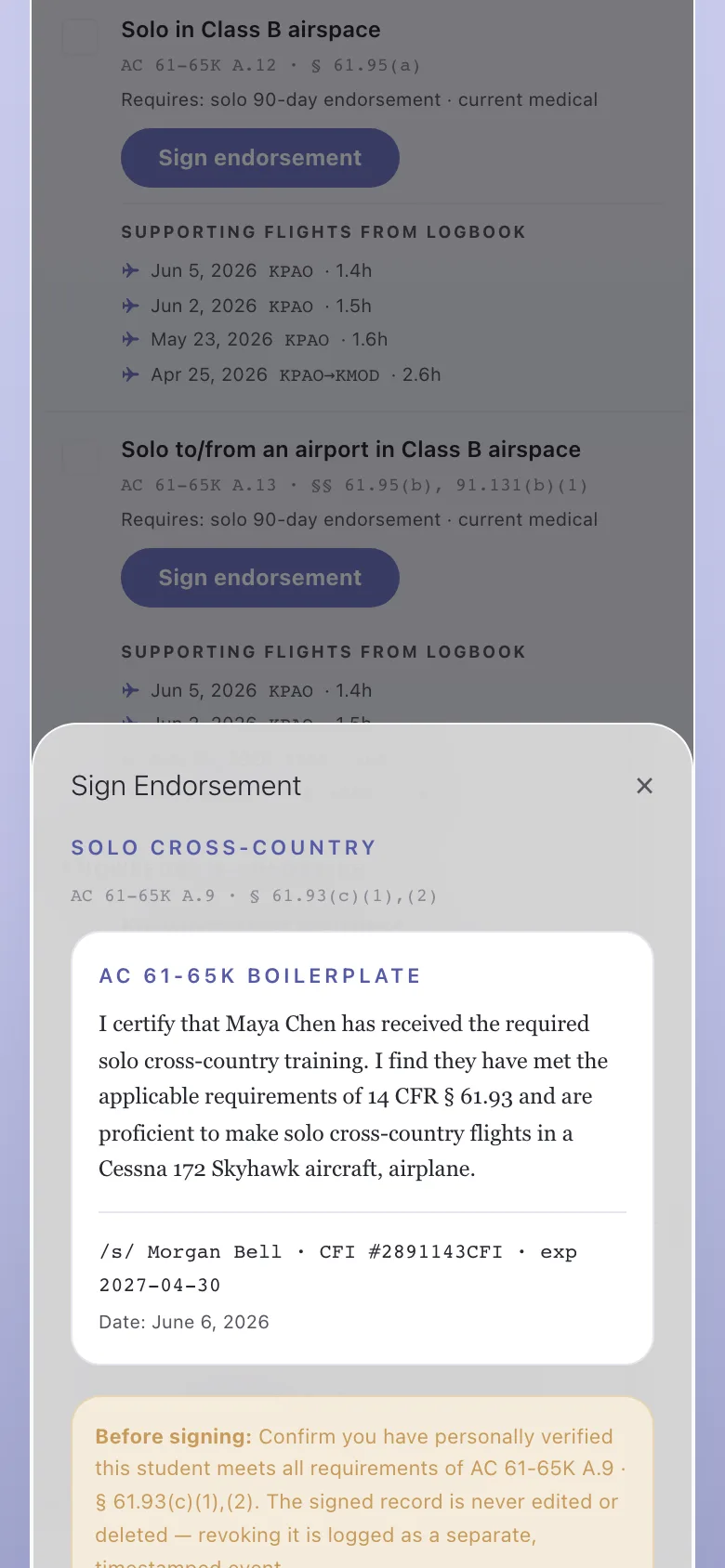
Sign it, correctly
The current AC 61-65K wording, your certificate number, and the date, filled in for you. The record is immutable and auditable.
Checkride-clean
When the hours and the paperwork both hold up, the student shows checkride-clean. That’s the whole job, start to finish.